MP TAAS Scholarship Status Check 2026 – Complete Online Process
The MP TAAS Scholarship Portal offers a convenient way for students in Madhya Pradesh (MP) to track the status of their scholarship applications online. For SC, ST, and OBC students, the portal streamlines the process of checking scholarship status and ensures transparency throughout the application and fund disbursement phases.
Below is a complete guide for checking the status, understanding payment cycles, and resolving any common issues with MPTAAS applications.
How to Check Your MPTAAS Status
Step-by-Step Process:
Visit the MPTAAS Portal
Go to the official MPTAAS website (tribal.mp.gov.in).
Log in to Your Account
Enter your registered User ID and password. If you forget your credentials, use the “Forgot Password” feature to reset it.
Access the Application Status Section
On the dashboard, locate the “Application Status” or “Track Scholarship Status” section.
Enter Required Information
Input your application number or academic session and click on Submit.
View Your Status
The status will show whether your application is under verification, approved, rejected, or if payment has been processed.
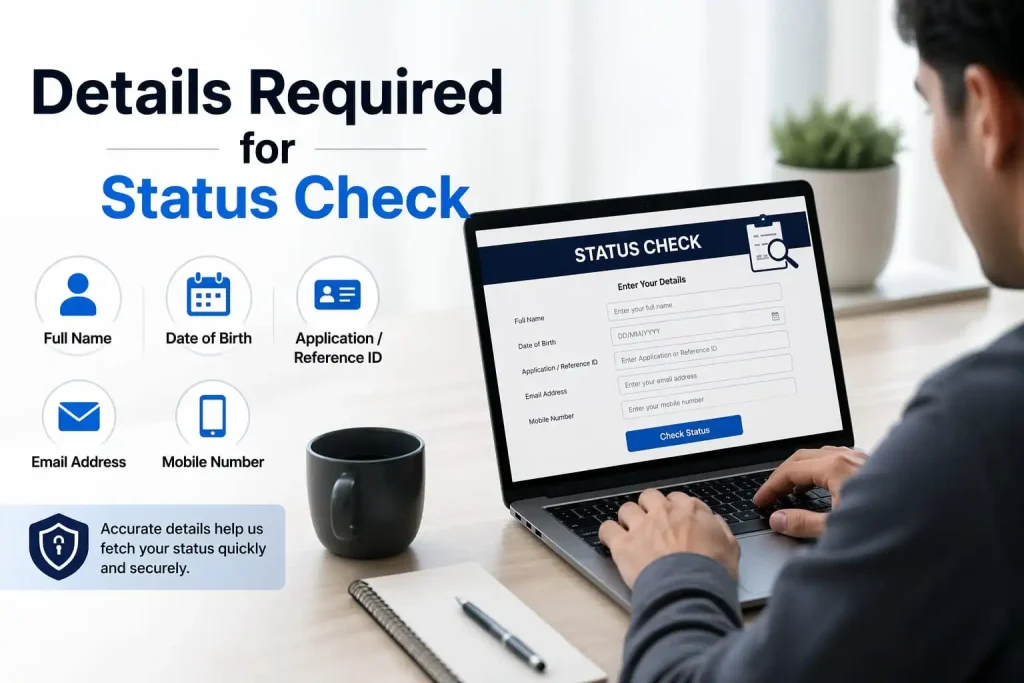
Details Required for Status Check
Before logging in, ensure you have the following details:
Tip: Ensure that your college or institution has completed its verification process, as many times, applications are stuck due to pending institutional verification.
Common Reasons for MPTAAS Scholarship Delays
If your scholarship hasn’t been credited yet, these might be the causes:
Missing income certificates, caste certificates, or incorrect bank details are frequent issues. Ensure all documents are scanned and uploaded clearly.
If your Aadhaar is not linked to your bank account properly, the system might fail to process the payment. Ensure your Aadhaar is linked to your bank account for Direct Benefit Transfer (DBT).
Sometimes, applications remain stuck if the college or institution has not forwarded the application for state-level verification.
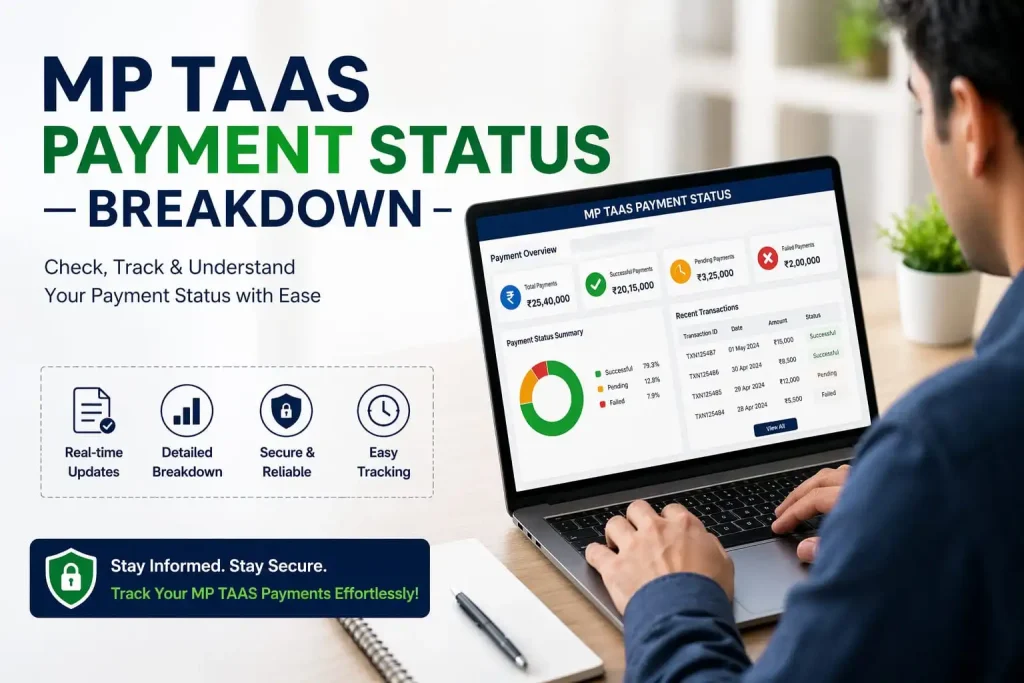
MPTAAS Payment Status Breakdown
This means the stage is successful, and you are waiting for fund release. No action is required here.
This stage involves the final audit. The system checks if your NPCI (National Payments Corporation of India) mapping is correct. Ensure Aadhaar is linked to your bank account.
Budget allocation to your profile has been approved. This is the official confirmation that funds are allocated to you.
Funds are awaiting release from the Ministry of Finance. You should wait for the final payment approval.
The funds have been successfully transferred to your bank account. Check your bank passbook for confirmation.
Scenario of Problems
Pending Verification Status
Scenario: When students see their status as “Pending for Verification,” it often means that their application is still under verification at the college or district level. This delay occurs if the institution has not yet forwarded the application for further processing. To resolve this, students need to contact their college or institute to confirm that the verification process has been completed.
Rejected Applications
Scenario: If the scholarship application is marked as “Rejected,” it could be due to incomplete or incorrect documentation. Common reasons for rejection include missing income certificates, unclear caste certificates, or mismatched bank account details. Students should review the rejection message, correct any errors, and then reapply in the next cycle.
Payment Status Shows N/A
Scenario: If the payment status is displayed as “N/A” and the NPCI section is blank, it may indicate an issue with the linkage of Aadhaar to the bank account. Students should ensure that their bank account is correctly linked to their Aadhaar and verify the status on the MPTAAS portal. Any discrepancies in the linkage could prevent the scholarship from being credited.
Sanctioned but Not Paid
Scenario: Students may see the status as “Sanctioned” but may not receive the funds in their bank accounts. This could be due to delays in payment processing at the collectorate office or the Ministry of Finance. In such cases, students should visit their bank to confirm if the DBT (Direct Benefit Transfer) is active, and follow up with the MPTAAS helpline for further resolution.
On Hold Applications
Scenario: Applications marked as “On Hold” are temporarily halted due to incomplete information, discrepancies in the uploaded documents, or pending verification. Students must promptly address the missing details, upload the correct documents, and submit them again for processing
Payment Delays after Sanction
Scenario: After the application is marked as “Sanctioned,” students may experience delays in receiving the scholarship amount. This is often due to pending payment releases from the Ministry of Finance or issues with the bank account linking. Students should ensure that all their bank details and Aadhaar information are correct and regularly check for updates.
Stuck Status at “Pending for Payment”
Scenario: If the payment status remains at “Pending for Payment” for an extended period, it may be due to fund availability or delays in government processing. Students should be patient but continue to monitor the status. If it remains stuck, they should contact the MPTAAS helpline for clarification.
Steps to Resolve These Issues:
Frequently Asked Questions (FAQs)
Important Tips for 2026 Applicants
Final Thoughts
The MPTAAS Scholarship Portal offers a transparent and streamlined process for checking and tracking scholarship status. Students need to stay on top of their application status, verify all details, and ensure timely document submission for a smooth scholarship process. By following the steps correctly, students can ensure that their scholarships are credited promptly, without any delays.


