MP TAAS Login Process Guide to Access the Portal
If you have already registered your profile on the MPTAAS (Madhya Pradesh Tribal Affairs and Scheduled Caste Welfare Automation System) portal, accessing your dashboard is just a few steps away. This guide explains the simple log in process into MPTAAS and managing your scholarship details.
Accessing the MPTAAS Portal
To begin, open your preferred web browser and visit the official MPTAAS portal: https://tribal.mp.gov.in. Once there, locate and click on the “Student Login” or “छात्र लॉगिन” button prominently displayed on the homepage.
Enter Your Login Credentials
On the login page, input your registered credentials. You will need to provide your User ID (either your Application Number or Mobile Number) and Password.
Complete Security Verification
For your security, the system will prompt you to complete a verification process. You may be required to enter a CAPTCHA code or input an OTP (One-Time Password) sent to your registered mobile number or email address.
Signing In to Your Dashboard
Once your credentials and verification are successfully entered, click the Sign In button. This will take you directly to your personalized dashboard, where you can easily apply for scholarships, renew your current applications, update personal details, and check the status of your MPTAAS scholarship in real-time.
Forgot Your Password or User ID?
If you are unable to remember your User ID or Password, don’t worry. On the MPTAAS login page, click the Forgot Password link. You can then reset your details by receiving an OTP sent to your registered phone number or email. Ensure that you use a secure device (your personal phone or computer) for the reset process.
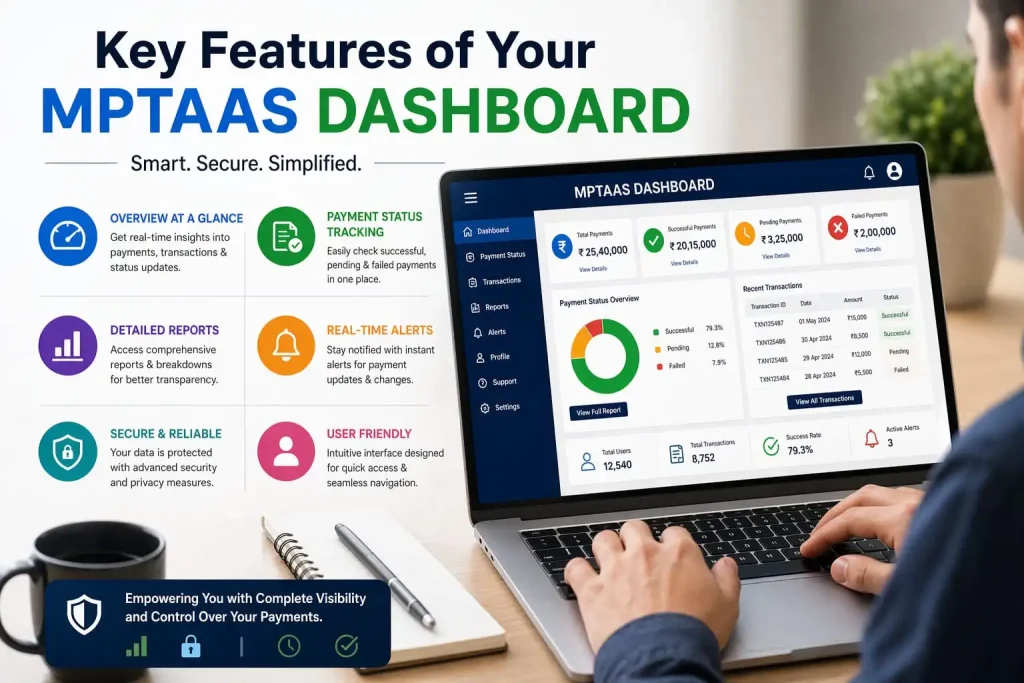
Key Features of Your MPTAAS Dashboard
Your MPTAAS dashboard allows you to:
Problem:
Some common issues students face during the login process include:
Forgot Password or User ID:
If the student forgets their User ID or Password, they won’t be able to log in. In such cases, the portal offers a “Forgot Password” option, where the user can receive an OTP on their registered mobile number or email to reset their password.
Verification Issues:
During login, the system asks for CAPTCHA or OTP for security verification. Sometimes, students have trouble reading the CAPTCHA or experience delays in receiving the OTP, which can delay the login process.
Technical Glitches:
Occasionally, the portal or website might experience technical problems, such as server downtime, making it difficult for users to log in. The solution here is for students to regularly check the portal’s status.
Browser or Device Compatibility:
Sometimes, login issues occur due to browser or device compatibility problems, like outdated browsers or failure to receive OTPs on registered mobile numbers/emails.
Solution
If the user forgets their password, they can use the “Forgot Password” option on the portal to reset it.
Carefully read the CAPTCHA and quickly verify the OTP to avoid delays.
If login issues persist, the student should contact MPTAAS customer support for assistance.
Keep your device and browser updated and ensure that OTPs are correctly received on the mobile number.
FAQs
Final Thoughts
The MPTAAS portal makes scholarship management easy for registered students, but login problems can occur due to OTP delays, CAPTCHA issues, or technical glitches. Always use the official website and keep your login details safe.


