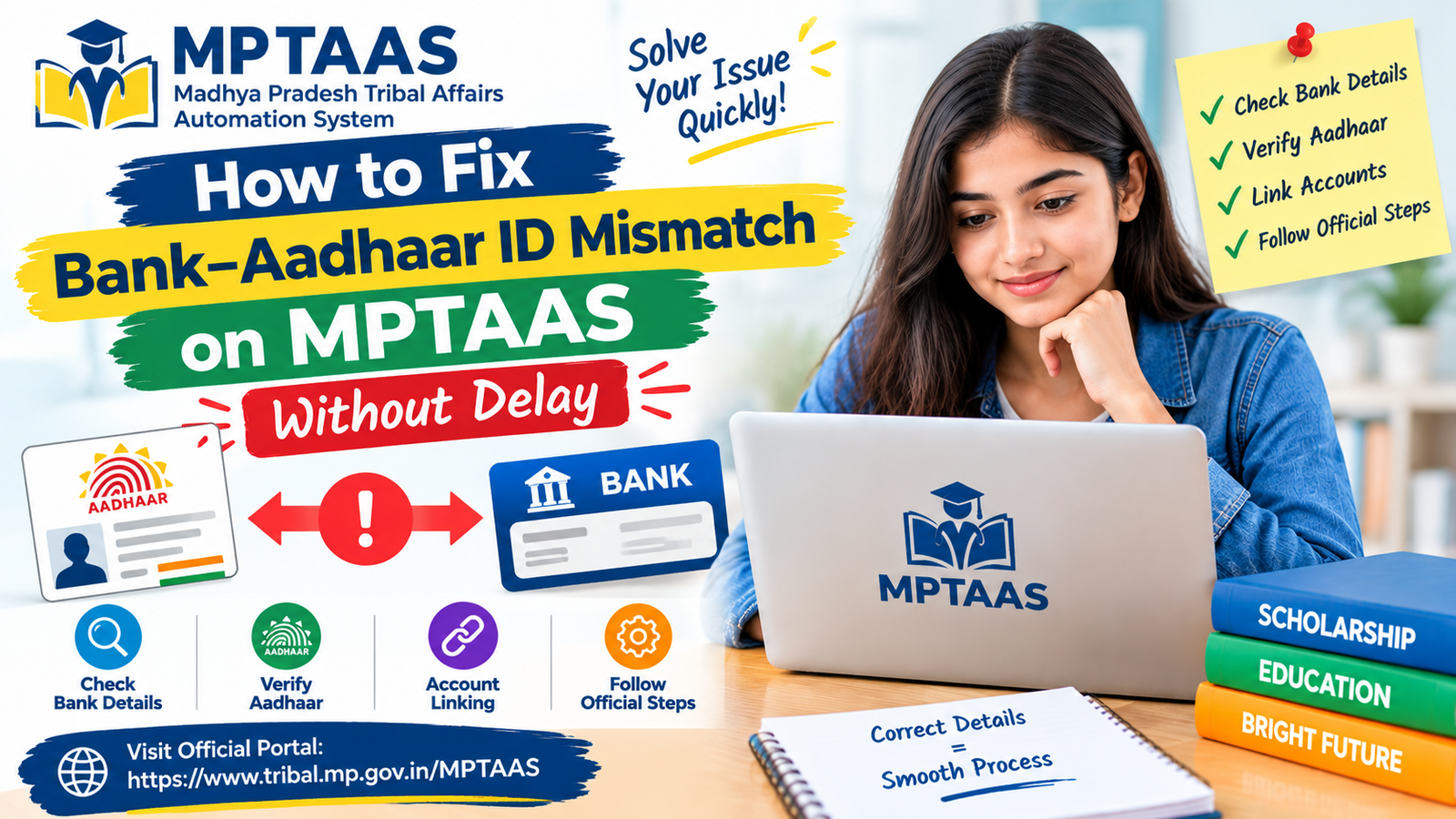
How to Fix Bank– Aadhaar ID Mismatch on MPTAAS Without Delay
If your MPTAAS Scholarship payment is slow or shows “Released but Not Credited ” it usually means your bank account details do not match your Aadhaar ID. This problem is common. Can be fixed quickly by doing a few easy steps.
MPTAAS bank Aadhaar mismatch can cause issues with scholarship application verification or payment processing. Students should carefully check their bank account details and Aadhaar information and follow the official instructions to resolve any mismatch.
MP TAAS
Most Common Reasons for Bank-Aadhaar Mismatch
things can cause differences between your Aadhaar information and your bank details when you apply for the Madhya Pradesh TAAS Scholarship:
How to Fix MPTAAS Bank Aadhaar Mismatch
Name Discrepancy:
Even tiny differences in the spelling of your name between Aadhaar and bank records.
Non-Linking of Aadhaar
If your Aadhaar is not connected to your bank account.
Incorrect IFSC or Account Number
Errors made when you entered your account number or IFSC code.
Account Inactivity:
Your bank account may be. Inactive.
Data Entry Errors
Mistakes made by your college while checking your documents.
Step-by-Step Process to Correct the Mismatch
1 Review Your Information
Log into the MPTAAS Portal and verify the following:
Your registered name – compare it with the name on Aadhaar and on your bank records.
Bank details – account number and IFSC code.
Aadhaar details – name, date of birth and gender.
2 Ensure Name and Date of Birth Match
Check that the name on Aadhaar matches the name on your bank passbook. Even small differences can cause delays.
Ensure the date of birth on Aadhaar is the same as the date of birth on your bank records.
If any information is wrong update it either on the UIDAI portal for Aadhaar or at your bank branch.
To resolve an MPTAAS bank Aadhaar mismatch, students should verify their details with the relevant bank and follow official correction procedures.
If the MPTAAS bank Aadhaar mismatch continues, students should contact the relevant support team for guidance.
3 Link Aadhaar to Your Bank Account
This step is vital for Direct Benefit Transfer (DBT).
You can link your Aadhaar by going to your bank branch using banking, the mobile app or even an ATM in some cases.
After linking check the linkage on the NPCI Aadhaar Mapper to confirm that everything is correct.
4 Update Bank Details on MPTAAS Portal
If you have changed your bank account or found an error in the details you entered earlier log in to MPTAAS.
Navigate to Profile → Bank Details → Edit.
Input the account number and IFSC code.
Save the changes. Resubmit the application.
5 Track Your Payment Status
Wait 3 to 7 days for the system to process your update.
Return to Application Status → Payment Status.
If it shows “Released for Payment” the money will be transferred shortly.
If the payment is not credited within 10 days call your bank branch and the college office.
Tips to Prevent Future Payment Delays
Use Consistent Naming
Make sure your name is the same on all records; avoid using nicknames or initials.
Keep Your Aadhaar-Linked Number Active
This guarantees that you receive OTPs for e‑KYC.
Double-Check Bank Details:
Always double‑check the account number and IFSC before submitting your scholarship application.
Save Your Submission Screenshots
They serve as proof of your application.
Avoid Joint or Inactive Accounts
When you use account types avoid joint or inactive accounts, for receiving the scholarship payment.
Where to Get Help
If you still have problems after fixing the bank‑Aadhaar mismatch you can get help in a ways:
Helpline :
Call 1800-2333-951 for support related to MPTAAS.
Official Website :
Visit the MPTAAS website at tribal.mp.gov.in/MPTAAS for further guidance.
College Scholarship Officer :
Call the scholarship officer at your college to verify documents and help with corrections.
How to Ensure Smooth Scholarship Payments In the Future
To keep your scholarship payments smooth and avoid delays make sure all details are updated.
Check your Aadhaar and bank information regularly especially before renewing your scholarship.
Double‑check any data you enter during the application; even small mistakes can cause delays.
By staying proactive you will keep your scholarship payments running smoothly every time.
PROBLEM and SOLUTION
1 Name Discrepancy
Problem:
Small differences in the spelling of your name between Aadhaar and bank account records can cause problems.
Solution:
Check and ensure that the name on Aadhaar and on bank passbook is identical. If there are differences update them on UIDAI portal for Aadhaar. Update them on bank.
2 Non-Linking of Aadhaar
Problem:
If Aadhaar is not linked to bank account scholarship payment cannot be processed.
Solution:
Visit bank to link Aadhaar with bank account. You can do this through banking, mobile app or even via ATM in some cases. Then verify linkage via NPCI Aadhaar Mapper.
3 IFSC or Account Number
Problem:
Mistakes in entering account number or IFSC code when applying for scholarship can cause payment issues.
Solution:
check and verify bank details (account number and IFSC code) before submitting application. If any mistake is found, update it in MPTAAS portal.
4 Account Inactivity
Problem:
If bank account linked to Aadhaar is closed or inactive payment may be. Not credited.
Solution:
Ensure that bank account is active or provide details of active account for receiving scholarship payment.
5 Data Entry Errors by CollegeProblem
Problem:
Errors made by college during document verification can lead to mismatch.
Solution:
Contact college’s scholarship officer to check and verify data entered during document verification. Correct any errors immediately.
6 Delayed Payment StatusProblem
Problem:
After resolving mismatch it may take 3–7 days for system to process update and show “Released for Payment” status.
Solution:
If payment is not credited within 10 days contact bank or college for assistance.
7 Using Joint or Inactive Accounts
Problem:
Using inactive account could result in payment issues because of verification complications.
Solution:
Always use individual account that is linked to Aadhaar to avoid further verification issues.
FAQs
What does “Payment Released but Not Credited” mean?
This status indicates that scholarship funds were transferred. Bank could not process them because of Aadhaar or account mismatch.
How to check if my Aadhaar is linked to my bank?
You can verify linkage via bank portal or through NPCI Aadhaar Mapper.
Can I change my bank account after applying for MPTAAS?
Yes you can update bank details in MPTAAS portal.
What if my bank account is inactive?
You will need to activate account or provide details of active bank account.
How long does it take to receive the payment after correction?
Payments should be credited within 3–7 days after mismatch is resolved.
Final Thoughts
Fixing bank-Aadhaar mismatch on MPTAAS portal is a process if you follow steps carefully.
By ensuring all details match you can avoid delays in receiving scholarship payments.
This guide should help you resolve issue quickly and set up account for renewals, without hassle.
For any assistance feel free to reach out to MPTAAS helpline or college’s scholarship officer for document verification.