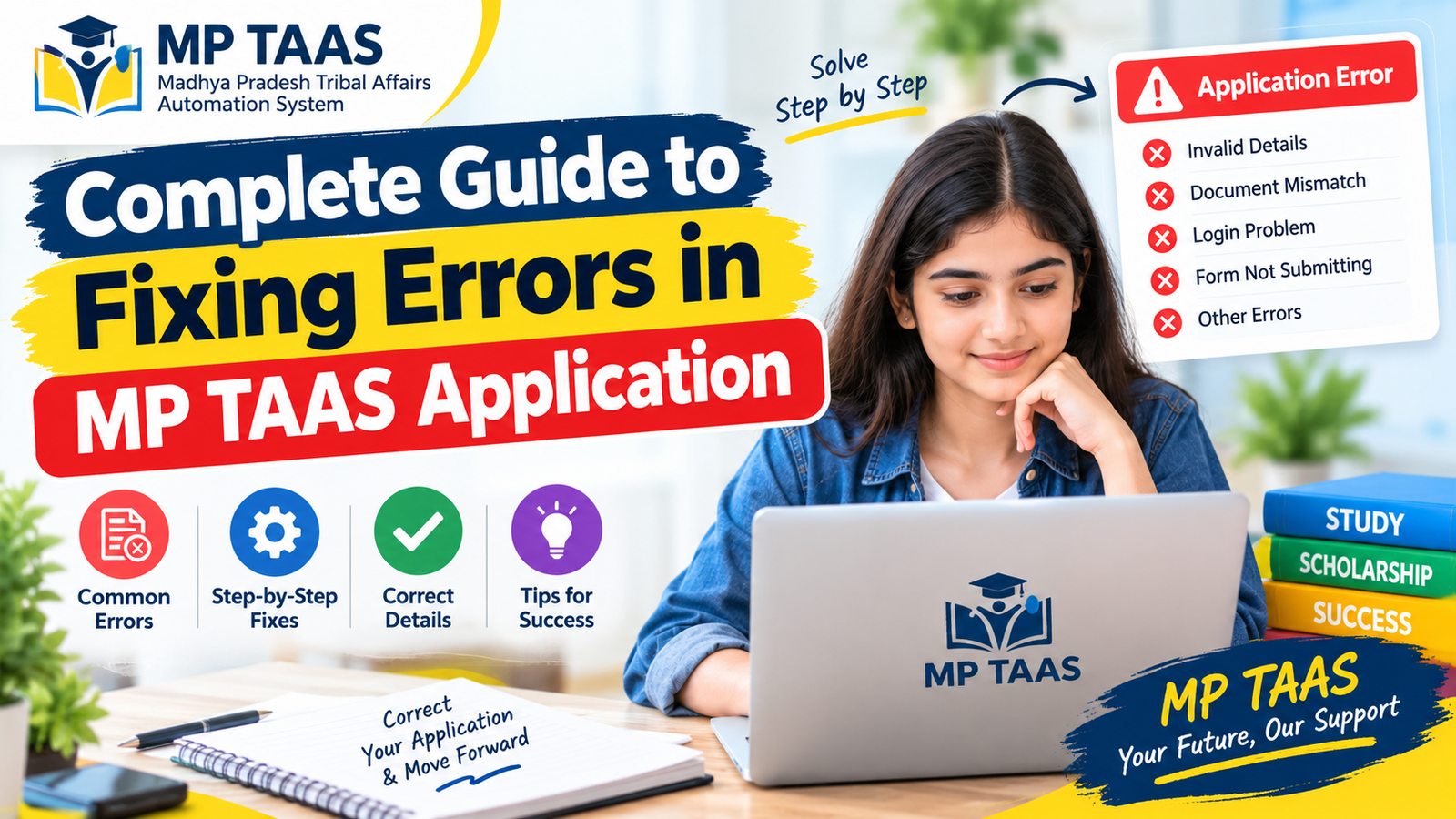
Complete Guide to Fixing Errors in MP TAAS Application
MP TAAS, which stands for Madhya Pradesh Tribal Affairs Automation System is a system created to help SC, ST and OBC students in Madhya Pradesh apply for scholarships. However because the system is online and automated it is possible to make mistakes when filling out the application. If you have put details like the Samagra ID there is no need to be worried. Below is a guide on how to fix errors after you have submitted making sure your application is correct.
MP TAAS application errors can cause problems when students submit their scholarship forms. This guide explains common errors and the steps students can take to check and correct their application details.
MP TAAS
What is MP TAAS?
MP TAAS is a state project that makes it easier for students from scheduled castes, scheduled tribes and other backward classes in Madhya Pradesh to apply for scholarships.
To get started students need to sign up using their Samagra ID fill in study information upload the needed papers and send the application.
However because the platform is automatic errors can happen when the application is sent.
How to Fix MP TAAS Application Errors
Common MP TAAS application errors may occur when students enter incorrect information or submit incomplete details.
To resolve MP TAAS application errors, students should review the information they entered and follow the official instructions for correcting their forms.
If MP TAAS application errors continue, students should check the official portal or contact the relevant scholarship support team.
Can Errors Be Fixed After Submission?
Yes MP TAAS gives students a chance to fix mistakes made during the application process like putting the Samagra ID or wrong study details. The system gives a chance for students to make these changes after submission through a correction period or by sending a complaint. Here is how you can fix any problems:
For official scholarship information and application updates, visit the MPTAAS official portal.
Step-by-Step Process to Fix Mistakes in MP TAAS
1 Sign in to the MP TAAS Website
First go to your account on the MP TAAS website using your User ID and password.
2 Look for a Correction Period
The system might have a time for corrections after submission.
This is a time when you can change your application.
If the period is open make the changes that are needed.
3 Go to the Profile Area
After you are signed in go to “My Profile” or
the “Edit Application” section, where you can change the details you have already sent.
4 Change the Wrong Information
For instance if you put the Samagra ID change it to the right one carefully. After making the changes save and send the updated information.
5 Send a Complaint if the Correction Period Has Ended
If the time for changes has passed you can send a complaint through the website. Explain the mistake clearly. Give the right details so the people in charge can fix it.
6 Send the Complaint with Details
When you send a complaint mention your application ID, the information and the correct details.
Be clear about what was wrong and what needs to be fixed.
7 Keep Records for
Always keep pictures of your complaint and any updated application details as proof to use later if needed.
Tips to Make Sure Everything Is Right and Avoid Mistakes
Check All Your Details:
Before you send the application make sure everything is correct— the Samagra ID, Aadhaar number and personal details.
Small mistakes often happen when you are in a hurry.
Get Your Papers Ready in Advance:
Having your ID and Aadhaar details ready can help you avoid putting in wrong information.
Send It Early:
To avoid missing the correction period send your application a time before the deadline.
Waiting until the last minute can take away your chances to fix mistakes.
File Complaints Right Away:
If you see a mistake after you have sent the application file a complaint soon as possible.
Keep All Confirmations:
Save copies of confirmation emails or pictures as proof of your application and any changes.
Check the Change:
After you send the changes check the application status to make sure the system has accepted the updates.
Why It Is Important to Act Fast to Avoid Rejection
In situations waiting too long after submitting can cause your application to be rejected. Because the correction period has a time limit it is important to act when you notice any mistake in your details. Delaying the fix or missing the chance to file a complaint can cause problems making your scholarship application considered invalid or rejected.
Common Errors to Avoid in MP TAAS Applications
To stop mistakes from happening in the place it is important to know the common errors that students make when they fill out their MP TAAS applications. These errors usually include putting the Samagra ID having mismatched Aadhaar details or sending the wrong papers. Being careful and checking all the information before sending the application will reduce the chance that you need to make changes
Problem
1 Wrong Subordinate ID:
The student put the Subordinate ID in their application form. The application was sent to the MP TAAS website with the ID.
2 Errors After the Application Was Sent:
After the application was sent the student was told that some details, like the overall ID were wrong.
3 Issues with the Correction Period:
MP TAAS usually has a “correction period” where students can change their details for a time. If this period ends students have to send a complaint to have their wrong details changed.
4 Problems with Filing a Complaint:
If the student does not send a complaint and does not fix the mistake quickly after the correction period the chance of the application being rejected goes up
Solution
Log in to MP TAAS Website:
The student needs to sign in to the website using their user ID and check if the correction period is open.
Filing a Complaint:
If the correction period has ended the student can file a complaint to correct the ID in the application.
Keep Copies of Documents:
Keep proof of all changes and the complaint filing so that it can be used if there is any confusion later.
FAQs
Can I change my Samagra ID after sending the MP TAAS application?
Yes you can change the Samagra ID if the correction period is still open or by filing a complaint to make the change.
What should I do if I missed the correction period?
If the correction period has ended you need to send a complaint explaining the mistake and the correct information for the people in charge to fix.
How can I file a complaint for a Samagra ID?
Sign in to your MP TAAS account go to the complaint section and clearly explain the mistake in your Samagra ID.
Give both the correct IDs.
How can I check if my correction was successful?
After sending your correction look at the application status or sign in to check if the system has accepted the changes.
What papers should I keep if there are changes?
Always keep copies of your sent application, the correction. Any confirmation emails or pictures for future use.
Mistakes in your MP TAAS application, like the Samagra ID can be fixed as long as you do it quickly.
Make sure you check all details before you send and use the correction period or the complaint system if needed.
Following these steps carefully will help your scholarship application be processed without delays or mistakes.