MPTAAS Profile Already Exists: How to Fix the Error
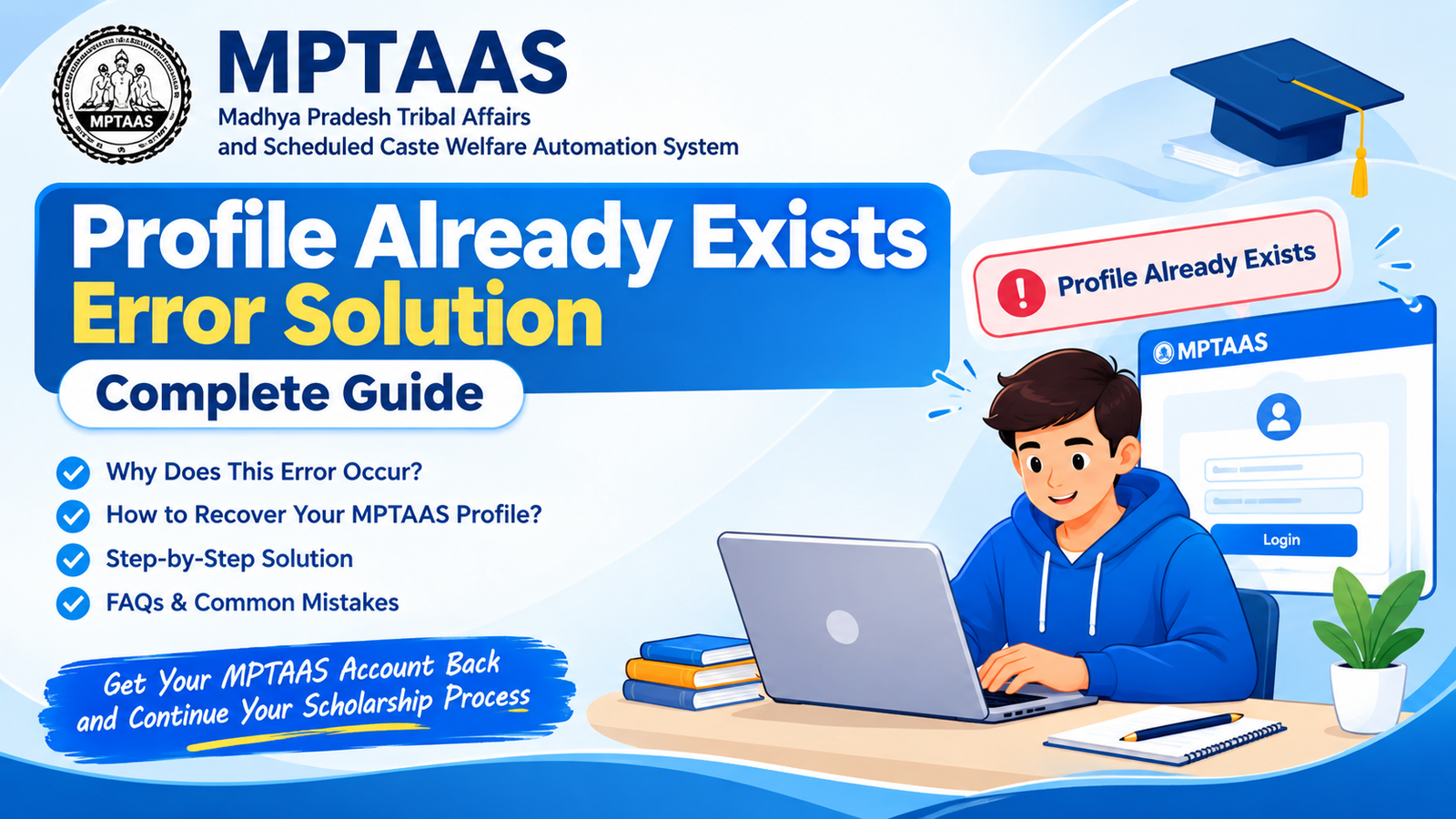
If you are trying to create or update your MPTAAS profile and see the message “Profile Already Exists”, there is usually no need to panic.
This message generally indicates that an MPTAAS profile has already been registered with the information you are entering.
For students applying for scholarships through the MPTAAS portal, this can be confusing, especially when they believe they are registering for the first time.
In some cases an MPTAAS profile may have been created during a previous year through an educational institution or with assistance from an MPOnline center.
The safest solution is usually to recover the existing profile. Creating another profile can make scholarship verification more complicated.
In this guide we explain why the MPTAAS “Profile Already Exists” error appears, what you should check, how to recover your MPTAAS account, and what to do if you still cannot access your MPTAAS profile.
⚑ What Does “MPTAAS Profile Exists” Mean?
The MPTAAS “Profile Exists” message means that the system has already found a beneficiary MPTAAS profile associated with some of the information you are providing.
Depending on your situation, the existing MPTAAS profile may be connected with information such as your:
- ID or member ID
- Aadhaar details
- Registered mobile number
- MPTAAS registration
- Scholarship application
The message does not automatically mean that your scholarship application has been rejected.
It generally means that the system does not want another MPTAAS profile to be created using information that is already associated with an existing record.
The official MPTAAS system provides beneficiary profile registration and account login services through the Madhya Pradesh Tribal Affairs and Department of SC Welfare system.
⚑ Why Does MPTAAS Show the Profile Already Exists Error?
There can be several reasons for this message.
Understanding the cause can help you choose the solution for the MPTAAS “Profile Exists” error.
⚑ 1. You Registered on MPTAAS Earlier
One of the reasons is that you already created an MPTAAS profile in a previous year.
You may have forgotten the registration because it was completed months or years ago.
Your college, school, scholarship department, or an MPOnline center may also have helped you create the MPTAAS profile.
In this situation creating another MPTAAS profile is usually unnecessary.
Instead, try to access your existing MPTAAS account.
⚑ 2. Your Samagra Details Are Already Linked
MPTAAS uses student information from records during registration and verification.
If your Samagra information has already been associated with an MPTAAS profile, attempting another registration can trigger the existing-profile message.
Before trying, check that you are using your own correct Samagra information.
Do not enter another student’s or family member’s details.
⚑ 3. Your Aadhaar Information Is Already Associated With a Profile
Aadhaar-related information may also be involved in profile verification.
If your Aadhaar details were previously used during registration, the system may identify the existing record when you attempt to create another MPTAAS profile.
If this happens, recovering the existing MPTAAS profile is generally the approach rather than starting over.
⚑ 4. Someone Registered Your Profile Earlier
Some students do not personally create their MPTAAS profile.
A college, school, computer center, or other authorized assistance point may have helped with registration.
As a result, a student may receive the “Profile Exists” message even though they personally have never completed the registration process.
If you think this happened, ask your institution whether an MPTAAS profile was created for you previously.
⚑ 5. You Are Trying to Create a Second Profile
Students attempt a registration because they have forgotten their login information.
This can create complications.
If you have previously registered, the better approach is to recover your login information rather than create another MPTAAS profile.
⚑ How to Fix MPTAAS Profile Already Exists Error
Follow the steps in order.
① Stop the New Registration
If MPTAAS is showing “Profile Exists,” do not repeatedly submit the registration form. First determine whether you already have an MPTAAS account.
② Try to Log In to Your Existing Account
Open the MPTAAS login page and try using the credentials you previously used. If you successfully log in, you do not need to create another profile.
③ Use the Forgot User ID Option
If you cannot remember your MPTAAS user ID, look for the Forgot User ID option on the login page and complete verification.
④ Use the Forgot Password Option
If you remember your user ID but cannot remember your password, use Forgot Password, complete verification, and try logging in again.
⑤ Check Your Samagra Information
Check your Samagra family ID, Member ID, student name, date of birth, gender, and other personal details.
⑥ Check Aadhaar Details
Check your name spelling, date of birth, gender, Aadhaar-linked number, and verification status.
⚑ Can I Create a New MPTAAS Profile?
If MPTAAS specifically says that your profile already exists, do not immediately create another MPTAAS profile.
First try to recover the existing MPTAAS account.
A duplicate MPTAAS profile can make it harder to understand which MPTAAS account should be used for scholarship processing and verification.
If you are unsure whether an old MPTAAS profile belongs to you, contact your college scholarship department or an appropriate support channel before creating another profile.
⚑ What If I Forgot Both My User ID and Password?
Do not create another MPTAAS profile simply because you cannot remember your credentials.
- Open the MPTAAS login page.
- Select the recovery option.
- Recover your user ID if necessary.
- Reset your password.
- Log in using the recovered information.
- Check your MPTAAS profile details before continuing.
The official MPTAAS login page provides “Forgot Password” and “Forgot User ID” options.
⚑ What If the OTP Is Not Coming?
Sometimes students are able to begin account recovery but do not receive an OTP.
- The registered mobile number is inactive.
- The mobile number has changed.
- Network connectivity is poor.
- The OTP service is temporarily delayed.
- The wrong recovery information was entered.
- The portal is experiencing traffic.
Before trying again, check that you are using the correct registered details. You can also try again later if the portal appears slow or temporarily unavailable.
If the problem continues, contact your institution or the appropriate official support channel.
⚑ Check Your Internet and Browser
Not every MPTAAS problem is caused by your profile. Sometimes browser or network problems can interfere with the registration or login process.
- Use an updated version of Google Chrome.
- Clear your browser cache.
- Try Incognito Mode.
- Switch between Wi-Fi and mobile data.
- Try another device.
- Make sure your internet connection is stable.
- Avoid refreshing the page.
If the official portal is experiencing traffic, waiting and trying again later may also help.
⚑ Do Not Share Your Login Details
Students should be careful when asking someone for help.
Never unnecessarily share your:
- Password
- OTP
- Aadhaar details
- Banking PIN
- ATM PIN
- Banking password
If someone claims they can instantly remove the “Profile Exists” error in exchange for money, be cautious. A genuine technical problem should be handled through institutional channels.
⚑ When Should You Contact Your College or Support Center?
If you have tried account recovery but still cannot access your MPTAAS profile, seek assistance.
- Your MPTAAS profile cannot be logged in.
- You cannot recover your user ID.
- Password recovery is not working.
- Your registered mobile number has changed.
- Your personal details are incorrect.
- Your Samagra information does not match.
- Aadhaar verification is creating an issue.
- The same error continues.
The Madhya Pradesh Tribal Affairs department publishes contact and helpdesk information for assistance.
⚑ Common Mistakes Students Should Avoid
The following mistakes can make account problems more difficult:
Creating Multiple MPTAAS Profiles
- Do not create MPTAAS profiles simply because you cannot access your account.
- Always use your own information.
- Do not guess your Samagra ID.
- Do not enter another person’s details.
Ignoring Old Registration Details
If you have previously applied for a scholarship, remember that an MPTAAS profile may already exist.
Waiting Until the Last Date
Do not wait until the day of scholarship submission to resolve MPTAAS account problems. Technical issues, verification problems, and traffic can take time.
Giving Your OTP to Someone Else
An OTP is used for verification. Treat OTP as private information and do not casually share it.
⚑ MPTAAS Profile Exists: Quick Solution
If you want the possible process, follow this order:
Profile Already Exists → Stop new registration → Try existing login → Recover User ID/password → Check Samagra and Aadhaar details → Contact your institution/support if necessary.
This approach is safer than attempting a new registration.
⚑ FAQs
✎ Final Words
The MPTAAS Profile Already Exists error can look serious. In many cases it simply means that the MPTAAS profile associated with the information has already been created.
The important thing is not to create duplicate MPTAAS profiles. Start by trying to log in to the existing MPTAAS profile. If you have forgotten your user ID or password, use the recovery options provided by MPTAAS. Then check Samagra and Aadhaar information for mismatches.
If you still cannot access the MPTAAS profile, contact the college scholarship department or the appropriate official support channel instead of repeatedly attempting new registrations.


