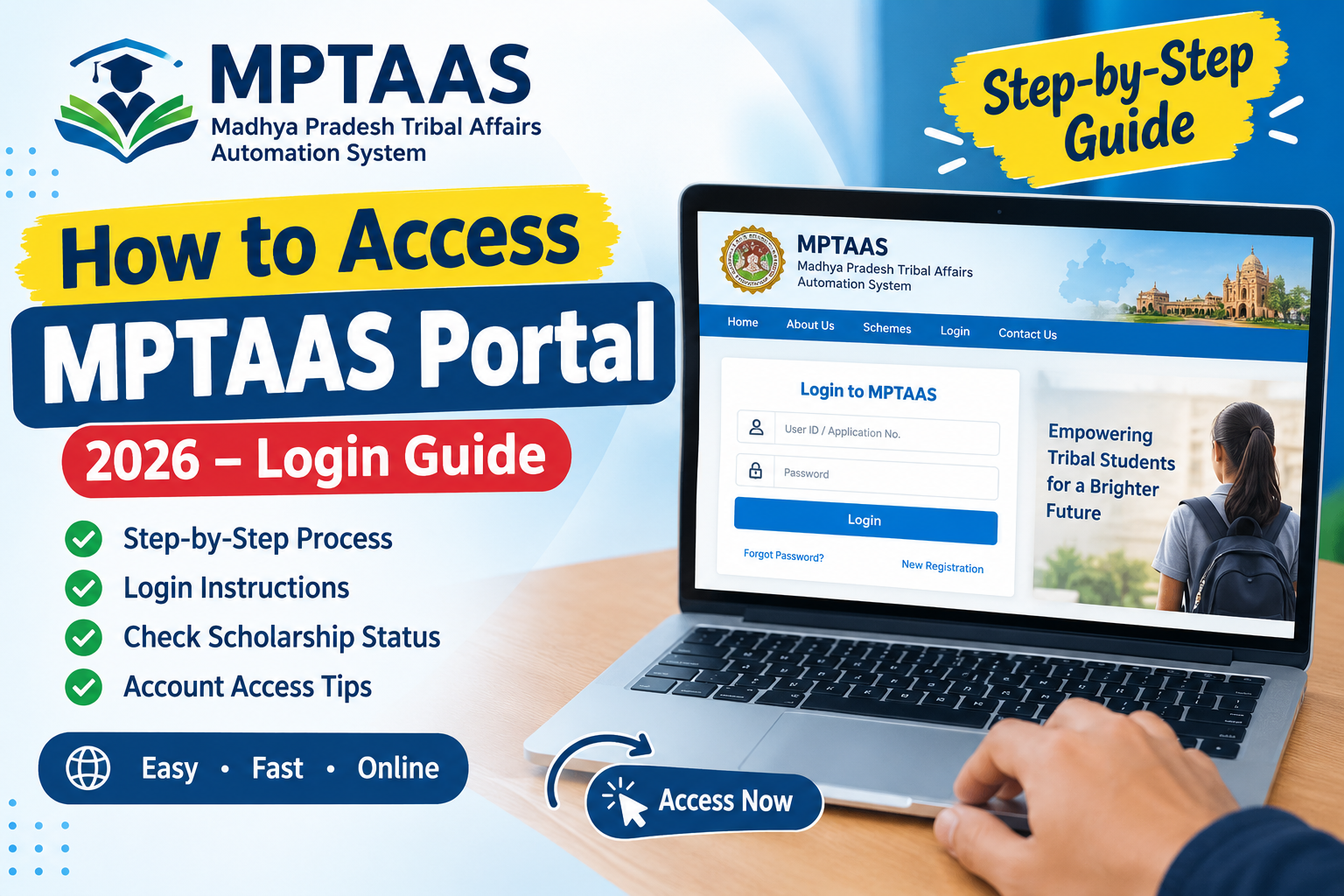
Accessing the MPTAAS Portal
To begin open your web browser. Go to the official MPTAAS portal. On the homepage look for the “Student Login” or “छात्र लॉगिन” button. It is clearly visible and easy to find. Click on it to move
Enter Your Login Details
Once you are on the login page type in your registered details. You will need to enter your User ID. This can be your Application Number or your Mobile Number. You also need to enter your Password. Make sure you type both correctly to avoid any login issues.
Complete Security Check
For your safety the system will ask you to complete a security check. You may be asked to enter a CAPTCHA code. This is a set of letters and numbers shown in an image. You must type them correctly. You might also be asked to enter an OTP or One-Time Password. This code is sent to your registered number or email address. Enter it soon as you get it to move ahead.
Signing In to Your Dashboard
After you have entered your details and completed the security check click the Sign In button. This will take you directly to your dashboard. From here you can easily apply for scholarships renew your applications update your personal information and check the status of your MPTAAS scholarship in real time.
Forgot Your Password or User ID?
If you cannot remember your User ID or Password don’t panic. On the MPTAAS login page click the “Forgot Password” link. You can reset your details by getting an OTP sent to your registered phone number or email. Always use your phone or computer for this process. This helps keep your account safe.
Key Features of Your MPTAAS Dashboard
Your MPTAAS dashboard gives you the ability to:
– Apply for the year’s scholarship.
– Renew your scholarship applications for the term.
– Update your details.
– Track the status of your scholarship in time.
Problem:
Some common problems students face during the login process include:
1. Forgot Password or User ID:
If the student forgets their User ID or Password they will not be able to log in. In this case the portal has a “Forgot Password” option. The user can get an OTP sent to their registered number or email to reset their password.
2. Verification Problems:
During login the system asks for a CAPTCHA or OTP for security. Sometimes students have trouble reading the CAPTCHA.. They may face delays in getting the OTP. This can slow down the login process.
3. Technical Problems:
Occasionally the portal or website might have issues. For example the server may be down. This makes it hard for users to log in. The fix here is for students to check the portal’s status regularly. Make sure the website is up and running before trying again.
4. Browser or Device Compatibility:
Sometimes login issues happen because of browser or device problems. For example the browser may not support the portal.. The OTP may not be received on the registered mobile number or email. Make sure your device is working well.
Solution
Password Reset:
If the user forgets their password they can use the “Forgot Password” option on the portal. This will help them reset their password.
Security Check:
Read the CAPTCHA clearly. Enter the OTP soon as you get it. This helps avoid delays.
Technical Help:
If login issues continue the student should reach out to MPTAAS customer support for help. They can guide you through the process.
Device Check:
Make sure your device and browser are up to date. Check that OTPs are received correctly on your registered number.
FAQs
What is the official website for MPTAAS login?
The official website for MPTAAS student login is tribal.mp.gov.in. Students should always use this portal to avoid websites.
Can I log in using my number on MPTAAS?
Yes. Existing users can log in using their registered number or application number as the User ID.
What should I do if I forgot my MPTAAS password?
If you forgot your password click on “Forgot Password” on the login page. You will get an OTP on your registered number or email to reset your password.
Why am I not receiving the OTP for login?
OTP delay can happen because of network issues or server problems. Make sure your mobile number is active. Check that your phone has a signal. Try again after a minutes. Also check the spam or blocked folder in your SMS inbox.
What should I do if CAPTCHA is not clear?
If the CAPTCHA is hard to read click the reload icon near the CAPTCHA box. This will give you an one. Enter the CAPTCHA carefully.
Which browser is best for MPTAAS login?
For access use updated browsers like Google Chrome, Mozilla Firefox or Microsoft Edge. Avoid browsers because they may cause login errors.
Can I check my scholarship status after login?
Yes. After logging in students can check their scholarship application status renewal updates and payment details from the MPTAAS dashboard.
Final Thoughts
The MPTAAS portal makes scholarship management simple,
for students..
Login problems can happen.
These include OTP delays, CAPTCHA issues or technical problems
. Always use the website.
Keep your login details safe.
Stay alert..
If you have trouble reach out for help.