How Students Verify MP TAAS Payment in Bank Account Credited?
If you’re a student applying for the MP TAAS scholarship, knowing how to verify that your scholarship money has been credited to your bank account is crucial.
Receiving the funds is the final step, and many students are eager to confirm this. Here’s how you can verify if the payment has been successfully credited to your account.
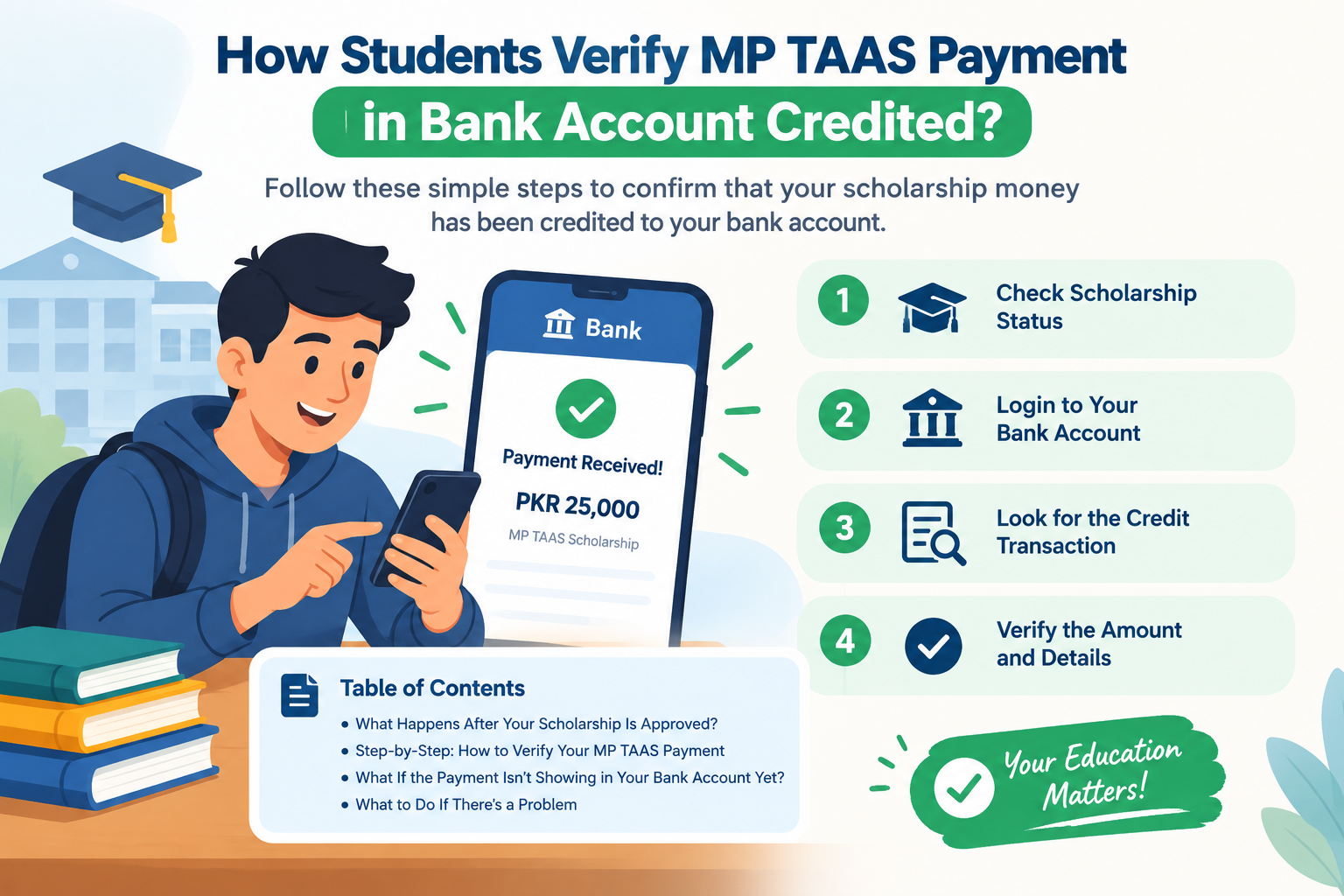
⚑ What Happens After Your Scholarship Is Approved?
Once your application is verified and approved, the scholarship payment enters the disbursal phase. The MPTAAS system updates the application status to reflect stages such as “Verified,” “Approved,” and “Payment Initiated.” Payments are then transferred to the student’s bank account through Aadhaar-based Direct Benefit Transfer (DBT).
However, an approved application does not necessarily mean the money has already reached your account. You should check the payment status and confirm the credit through your bank statement or passbook.
⚑ Step-by-Step: How to Verify Your MPTAAS Payment
Follow these steps to check whether your scholarship payment has been released and credited to your bank account.
① Log In to the MPTAAS Portal
Visit the official MPTAAS portal and log in with your User ID and password.
② Open Payment Status
Find the “Application Status” or “Payment Status” section in your dashboard, if available.
③ Check Your Status Carefully
Check whether your application is pending, approved, payment initiated, or marked as disbursed. Read any available payment remarks or reference details.
④ Cross-Check Your Bank Statement
Open your bank passbook or mobile banking app and check recent transactions. Confirm whether the scholarship amount has actually been credited to your account.
If the portal shows “Disbursed” or “Payment Initiated,” check the bank statement as well. These status labels may indicate progress in payment processing, but the bank transaction is the best way to confirm that the money has arrived.
If a transaction reference number is displayed, keep it for reference when contacting the bank or scholarship office.
⚑ What If the Payment Isn’t Showing in Your Bank Account Yet?
If the scholarship payment has not appeared in your bank account, there are several possible reasons to consider.
1. Processing Time
Sometimes the payment status may update on the MPTAAS portal before the transaction appears in your bank account. Processing and bank posting can take additional time.
2. Incorrect Bank Details
If your account number, IFSC code, or other bank details are incorrect, the payment may fail or be delayed. Check the information available in your MPTAAS profile and contact the relevant office if corrections are needed.
3. Aadhaar Linking
Aadhaar-based Direct Benefit Transfer may require your bank account to be correctly Aadhaar-seeded and eligible for DBT. Check your Aadhaar-bank linking status with your bank or through an official service.
⚑ What to Do If There’s a Problem
If the payment still does not appear in your bank account after a reasonable time, follow these steps to investigate the issue.
① Double-Check Bank Details
Review your bank account details, including the account number and IFSC code, on your MPTAAS dashboard where available.
② Contact Your Bank
Ask your bank whether the transaction has been received, rejected, delayed, or placed on hold.
③ Contact MPTAAS Support
Use the official MPTAAS helpdesk or grievance facility, if available, to report the missing payment and request guidance.
④ Visit Your College or Welfare Office
If the issue persists, visit your college scholarship office or the relevant Tribal Welfare Office for assistance.
Keep your application ID and any payment reference number ready when requesting help. Do not share your bank password, PIN, or OTP with anyone.
⚑ Tips for a Smooth Verification
To avoid complications and check your scholarship payment more easily, follow these tips:
- Keep your bank account active.
- Check whether your account is correctly linked with Aadhaar for DBT, where required.
- Check the MPTAAS portal status regularly.
- Keep your application ID handy to track payment progress.
- Check your bank passbook or mobile banking transactions for the actual credit.
⚑ How to Check Whether Your Bank Account Is Aadhaar-Linked for MPTAAS Payment
1. Why Aadhaar Linking Matters
MPTAAS scholarship payments may use Aadhaar-based Direct Benefit Transfer (DBT). If your bank account is not correctly Aadhaar-seeded where required, the payment may be delayed or fail.
2. How to Check Aadhaar Linking
- Log in to your MPTAAS dashboard and review the bank details shown there.
- Contact your bank to confirm whether Aadhaar is seeded to your account.
- Use official Aadhaar-bank linking or DBT status services, where available, to verify the status.
- If the status is incorrect, ask your bank how to update the linkage.
Remember that bank account details in your scholarship profile and Aadhaar-bank seeding are separate checks. Confirm both if you are experiencing a payment issue.
⚑ Common Reasons for Payment Delays or Missing Payments
1. Application May Be Under Process
Your application might still be in the verification or approval stage. In that case, the payment may not have been released yet.
2. Bank Account Linking Issues
If your bank account is not Aadhaar-seeded where required, or your bank details do not match, the payment may be delayed or unsuccessful.
3. Payment Tracking Tools
Use the official tools and status information provided by MPTAAS to track your payment. If the status does not change or the money does not arrive, contact your bank or the relevant scholarship office for assistance.
⚑ Frequently Asked Questions (FAQs)
1. How often should I check my scholarship payment status?
It is a good idea to check the payment status every few days after your application is approved, especially if the portal indicates that payment has been initiated or disbursed.
2. What if the portal still shows “Pending”?
If the status is still “Pending,” the payment may not have been processed or released yet. Check for any further instructions and contact the relevant scholarship office if the status remains unchanged for an extended period.
3. Can I change my bank account after applying?
Whether bank details can be changed after submission depends on the portal rules and the application’s stage. Check the official portal instructions or contact your college scholarship office before attempting any change.
4. How long does it take for the money to show in the bank after “Disbursed”?
The time can vary depending on payment processing and the bank. If the amount has not arrived after a reasonable waiting period, contact your bank and the relevant scholarship office with your application details and any available transaction reference number.
⚑ Final Thoughts
Verifying your MPTAAS payment involves checking your status on the official portal, confirming that your bank account is correctly linked with Aadhaar where required, and reviewing your bank statement for the credited amount.
Remember that a payment status shown on the portal does not always mean the funds are already available in your bank account. Always check your recent bank transactions to confirm the credit.
If your payment is delayed or missing, review your bank details, contact your bank, and ask the relevant scholarship office for help. Keep your application ID and payment reference details ready so the issue can be investigated more easily.
By following these steps, you can track your scholarship payment more confidently and take action if a problem occurs.