MPTAAS Samagra ID Not Working During Registration
If your Samagra ID is not working during MPTAAS registration, don’t panic. This is a common issue many students face while creating their MPTAAS profile. Sometimes the portal does not accept the Samagra ID.
Sometimes it shows an error, the OTP does not come, or the details do not match with Aadhaar. The good news is that most of these problems can be fixed with a few simple checks. In this guide, you will learn why your Samagra ID is not working on the MPTAAS portal and what you can do to solve it step by step.
Why Is Samagra ID Needed for MPTAAS Registration?
MPTAAS uses your Samagra ID to verify your basic details. It helps the portal check your name, family details, category, Aadhaar e-KYC, and other information.
For MPTAAS registration, you usually need:
So, if your Samagra details are incomplete or wrong, the MPTAAS portal may not allow you to complete registration.
Common Reasons Why Samagra ID Is Not Working on MPTAAS
There can be many reasons behind this issue. Here are the most common ones.
You Are Entering the Wrong Samagra ID
Many students enter the Family Samagra ID instead of the Member Samagra ID. This is one of the biggest mistakes. A family Samagra ID is for the whole family. A member’s Samagra ID is for one person. For student registration, you normally need your own member Samagra ID.
What to do:
Check your Samagra card carefully and enter your personal member ID, not only the family ID.
Samagra ID Is Not Linked With Aadhaar
MPTAAS registration may fail if your Samagra ID is not linked with Aadhaar through e-KYC.
If e-KYC is pending, the portal may show errors like:
What to do:
Complete your Samagra Aadhaar e-KYC first. You can do this through the Samagra portal, MPOnline, kiosk, or local service center.
Name Does Not Match in Aadhaar and Samagra
Your name should be almost the same in Aadhaar and Samagra records.
For example:
- Aadhaar name: Rahul Kumar Verma
- Samagra name: Rahul Verma
This small difference may create a mismatch in some cases.The same problem can happen with spelling mistakes, missing surname, wrong gender, or wrong date of birth.
What to do:
Check your Aadhaar and Samagra details. If there is a mistake, update the wrong record before trying again.
Mobile Number Is Not Active
OTP verification is an important part of registration. If the mobile number linked with Aadhaar or Samagra is not active, you may not receive the OTP.
What to do:
Samagra Profile Is Incomplete
Sometimes your Samagra profile is created, but some details are missing. For example:
If the data is incomplete, MPTAAS may not fetch your information correctly.
What to do:
Update your Samagra profile first. After updating, wait for the changes to reflect, then try MPTAAS registration again.
Portal Server Is Slow or Down
Sometimes the issue is not on your side. The MPTAAS or Samagra server may be slow due to heavy traffic. This usually happens during scholarship registration periods, when many students use the portal at the same time.
What to do:
- Try again after some time.
- Use the portal early morning or late evening.
- Clear browser cache.
- Use Chrome or another updated browser.
- Avoid filling the form when the website is loading slowly.
Caste Certificate Details Are Not Updated
MPTAAS registration may also require your caste certificate details. If your caste certificate is not digital or not linked properly, registration may stop.
What to do:
Keep your digital caste certificate ready. Make sure the details match your Aadhaar and Samagra profile.
How to Fix the MPTAAS Samagra ID Not Working Issue
Follow these steps one by one.
Check Your Samagra ID
First, confirm that you are using the correct member Samagra ID.Do not guess the number. Download or print your Samagra details from the official Samagra portal and check the ID properly.
Complete Aadhaar e-KYC
If your Samagra ID is not linked with Aadhaar, complete e-KYC.
You may need:
Samagra member ID
Aadhaar number
Aadhaar-linked mobile number
OTP or biometric verification
Match Aadhaar and Samagra Details
Check these details carefully:
Name
Date of birth
Gender
Father’s name
Address
Mobile number
If anything is wrong, update it before continuing.
Update Your Samagra Profile
If your Samagra profile is old or incomplete, update it. Many students face this issue because their family details were added years ago and were never corrected.
After updating, do not try registration immediately. Wait some time and then check again.
Use a Fresh Browser Session
Sometimes the error happens because of browser cache or session issues.
Try this:
Clear browser history and cache.
Open the website in incognito mode.
Use a desktop or laptop if mobile is not working.
Use a stable internet connection.
Do not open many tabs of the same portal.
Try Again During Low Traffic Time
If you see errors like “No response from API” or “Unable to process request,” it may be a server issue.
Try again:
Early morning
Late evening
After a few hours
On a different internet connection
Visit MPOnline or Local Office
If nothing works, visit your nearest MPOnline center, kiosk, Janpad Panchayat, Nagar Palika, or related local office.
Take these documents with you:
Aadhaar card
Samagra ID print
Caste certificate
Income certificate
Domicile certificate
Mobile number
Bank passbook
Previous class marksheet
MPTAAS Samagra ID Error
| Problem | Main Reason | What You Should Do |
| Samagra ID not found | Wrong ID entered | Use member Samagra ID |
| OTP not coming | Mobile number inactive | Check Aadhaar-linked mobile |
| Details mismatch | Name or DOB different | Correct Aadhaar or Samagra details |
| e-KYC failed | Aadhaar not linked | Complete Samagra Aadhaar e-KYC |
| No response from API | Server issue | Try after some time |
| Registration stuck | Profile incomplete | Update Samagra profile |
| Caste data error | Certificate not updated | Update digital caste certificate |
Important Tips Before MPTAAS Registration
Before you start registration, keep everything ready. This will save time and reduce errors.
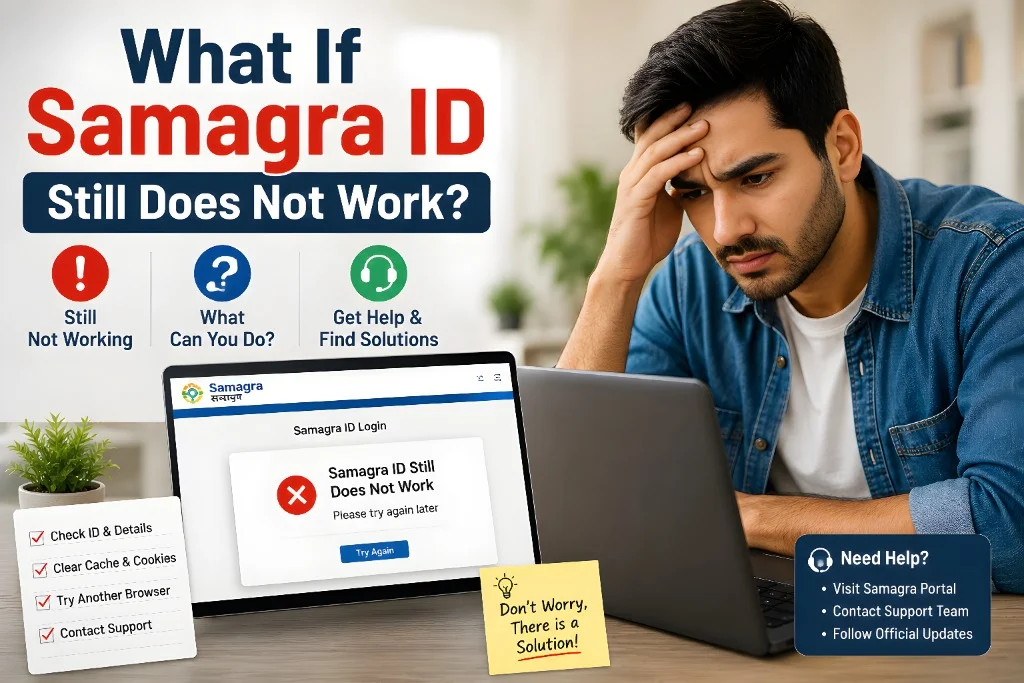
What If Samagra ID Still Does Not Work?
If your Samagra ID still does not work after all checks, the issue may need manual correction.
In that case, you should:
Do not create a duplicate profile without checking first. Duplicate records can create more problems later.
FAQs
Final Words
The MPTAAS Samagra ID not working during registration problem usually happens because of wrong ID entry, pending Aadhaar e-KYC, mismatched details, inactive mobile number, incomplete Samagra profile, or server issues. Start with the simple checks first. Use the correct member Samagra ID, complete Aadhaar e-KYC, match your Aadhaar and Samagra details, and try again with a fresh browser.If the problem still does not go away, visit MPOnline or your local office with your documents. In most cases, once your Samagra profile is corrected, MPTAAS registration works properly.


